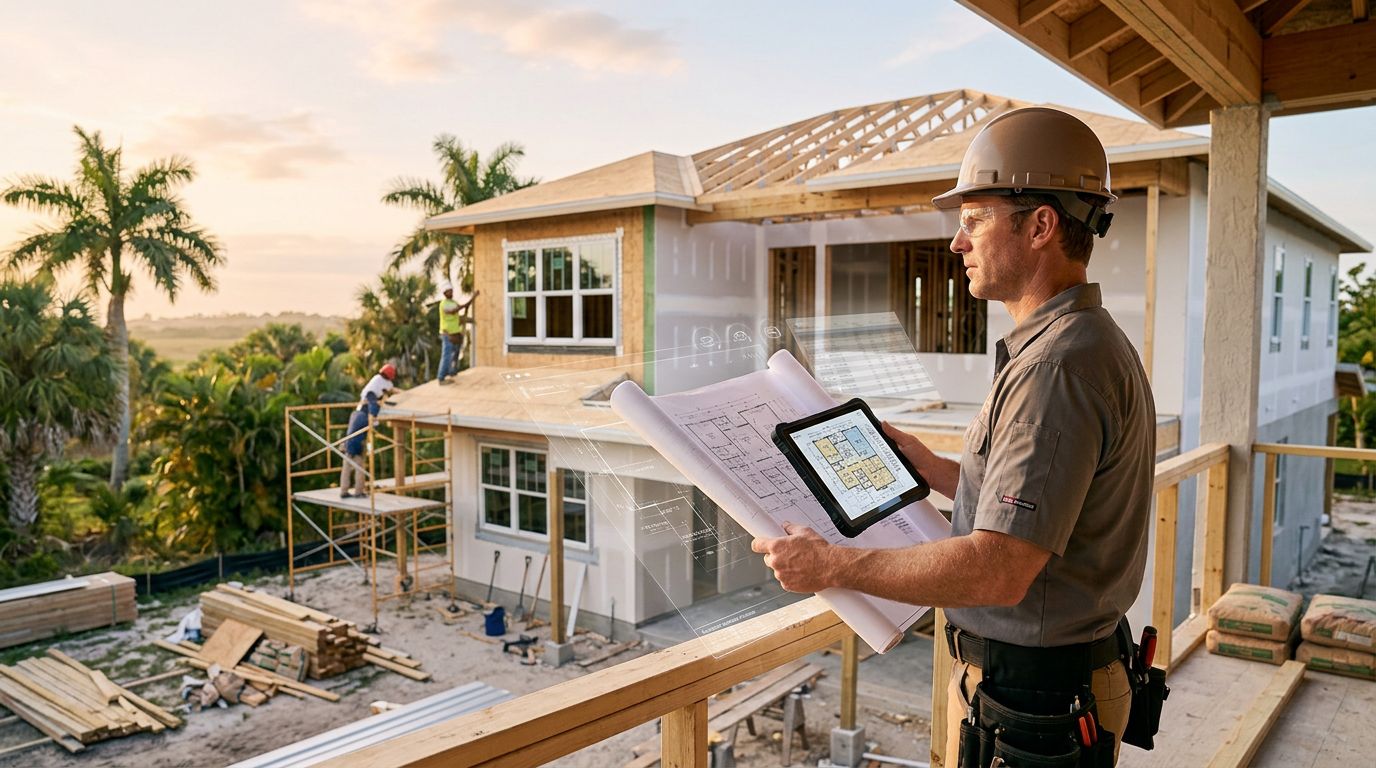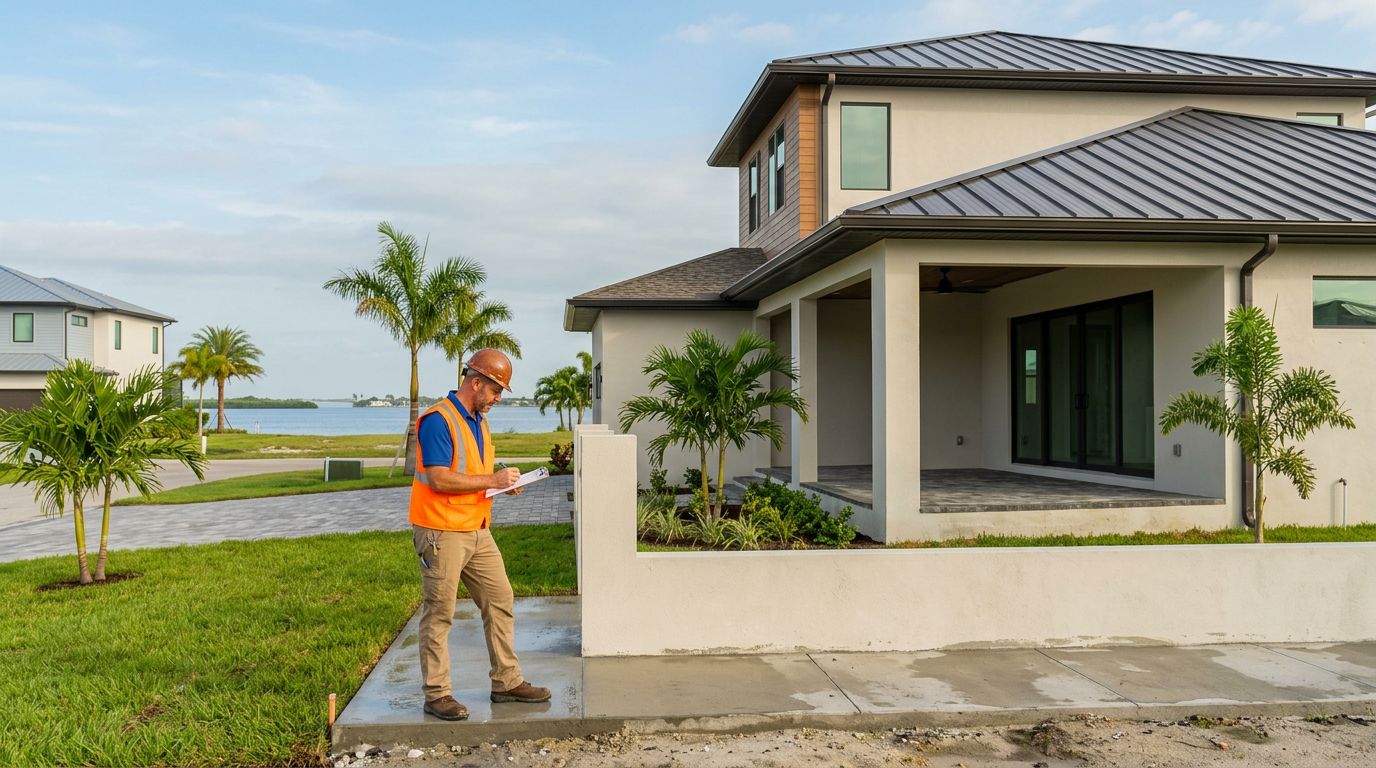



A new construction project can look ready to move forward while its permit is still waiting for review. Checking the Cape Coral permit status gives you a clearer view of whether the city has received the building permit application, approved the plans, or issued permission to begin work.
The search is usually easier when you have the permit number, property address, or parcel information. You also need to know who submitted the record, because a contractor or builder may be listed as the applicant instead of the homeowner. Start with the correct record, then read its status carefully.
Key Takeaways
- Access the City of Cape Coral official online permit portal to monitor progress for new construction projects.
- Search by permit number first to check permit status, then try the property address or parcel number if needed.
- Understand that an application, a plan approval, and an issued permit are distinct milestones in the building process.
- New homes often require several associated records, including primary building permits and individual trade permits.
- Keep track of building inspections and required documentation, as these are just as important as the overall permit status.
- If you find that progress has stalled, request the specific permit number from your builder and contact the city permitting department directly.
Find the Right New-Home Permit Record
Cape Coral new-home construction often involves multiple permit records. The main building permit application usually covers the primary structure, while separate trade permits apply to specific work like electrical, plumbing, mechanical, or roofing. In Cape Coral, you may also encounter specialized records such as seawall permits or dock and boat lift permits, depending on your waterfront access. The exact setup of these records depends on the nature of your project and the current city processing requirements.
Start by asking your builder or contractor for the permit number tied to the main building application. That number is usually the fastest way to find the correct record. If you do not have it, gather the full property address, the specific lot number, the parcel identification number, the legal description from your site plan, and the applicant or contractor name.
New construction can create address confusion. A vacant lot may have a recently assigned street number, an old lot reference, or a parcel number that works better for the search than a mailing address. If the address search produces no result, try searching by the parcel information from your site plan or ask the contractor which address appears on the application.
The homeowner is not always the applicant. A licensed contractor, general contractor, or home builder commonly submits the building permit application and appears as the listed applicant. This does not mean the homeowner lacks an interest in the record; it simply means the city identifies the professional who filed and manages the application.
Before searching, ask for these details:
- The main building permit number, if one exists
- The permit application type or project description
- The contractor's legal business name
- The contractor's license information
- Any separate trade permits, such as electrical, plumbing, mechanical, roofing, or pool records
- Additional records for seawall permits or dock and boat lift permits
A permit search can show several records for one address. Check the project description and applicant name carefully before assuming you have found the main home building permit application.
Use Cape Coral's Official Permit Search
The City of Cape Coral periodically updates its online services, so portal names, buttons, and search fields can change. To begin, visit the Permitting Services Division webpage to access the online permit portal, which is typically powered by the EnerGov Citizen Self-Service system.
Avoid relying on a third-party permit website when you need the most accurate record. A private database may display older information, omit documents, or use different status labels. The city's own record is the only reliable place to verify whether the application has been issued.
Follow this general process:
- Open the city's official online permit portal via the Permitting Services Division website.
- Choose the public search option if the system offers separate public and account-based access.
- Enter the permit number to check permit status. If you do not have it, search using the address, parcel number, or applicant name fields available.
- Select the record that matches the property and new-home project.
- Review the information, including application type, submission date, applicant, contractor, plan-review details, fees, documents, and inspection history.
- Save or print the record details for your project file.
Search tools often work better with less information. If a full address returns no result, try only the street number and street name, or use the parcel number. Check spelling carefully, especially when a contractor's business name includes abbreviations.
Look for the most recent activity date, but do not treat every date as a final decision. A record may show when someone uploaded a document, when a review cycle started, or when staff posted a correction. Those events do not always mean the permit itself changed status.
A permit application number proves that a record exists. It does not prove that the city has authorized construction.
If the portal requires an account for detailed documents, follow the current registration instructions provided by the city. The public view may show a basic status while the applicant account contains correction letters, plan-review comments, or downloadable permit documents.
Read the Status Without Confusing Approval and Issuance
Permit language can be easy to misread, especially when a record contains several review stages. Status names may vary by system and can change as the city updates its software. Use the label as a starting point, then check the related notes, dates, fees, and documents.
An application received or submitted status generally means the city has a record to process. Staff may still need to check the plans, supporting documents, contractor information, and required payments.
Under review usually means one or more city reviewers are examining the submission. Whether you are navigating a residential plan review or a commercial plan review, these evaluations ensure that all designs meet the latest Florida Building Code requirements. The application may move through building, zoning, engineering, fire, or other reviews. A plan-review cycle can also produce correction requests.
A corrections required, returned, or similar status means the applicant must respond to comments. Ask the builder whether the team has submitted the revised plans and whether all review departments have accepted them.
Approved can refer to approved plans or an approved application. It may not mean the permit has been issued. The city may still require final fees, signatures, documents, conditions, or other steps before issuing the permit.
An issued status is the important milestone for starting permitted construction. At that point, the city has granted the permit under its current requirements. Review the issued permit document for the approved scope, contractor information, expiration terms, inspection requirements, and any conditions.
A final, closed, or completed record generally indicates that required inspections or closeout steps have been completed. That status relates to the end of the permit's life, not the beginning of construction.
Statuses such as expired, canceled, withdrawn, or void need prompt attention. Don't rely on an old issued permit without confirming that it remains active and applies to the work planned at the property.
Check Inspections and Documents, Not Only the Main Status
The headline status does not tell the entire story. A permit can be issued while no construction has started, or it can show active work with building inspections waiting for correction. Open the record's inspection and document sections when those features are available to see the full picture.
Inspection history may show scheduled, passed, failed, canceled, or pending status updates. The wording depends on the city system. A failed inspection does not automatically mean the project is in serious trouble, but it does mean the contractor needs to correct the cited issue and schedule inspections again to move forward.
For a new home, inspection activity can help you compare the public record with the builder updates. If the contractor says framing is complete but the record shows no related building inspections, ask for an explanation. The city record may lag behind field activity, or the inspection may belong to a separate trade permit.
Documents can provide better detail than a short status label. Look for approval notices, correction letters, permit cards, and plan review comments. In this section, you may also find Florida Product Approval documents, which are essential for verifying that materials meet local standards for hurricane wind resistance. Some documents may be visible only to the applicant or authorized account holder.
Permit information also does not replace a construction inspection. The public record can confirm city activity, but it won't tell you whether workmanship meets your expectations or contract requirements. A private inspection may still be useful at key stages, especially before drywall conceals electrical, plumbing, and structural work.
What to Do When the Cape Coral Permit Status Hasn't Changed
Permit records do not always update the moment an applicant submits information. A builder might upload revised plans, pay a fee, or respond to a correction request before the public portal reflects that activity. Portal maintenance, review queues, and separate department processing times can also create unavoidable delays.
If the record appears unchanged, first ask your builder for a written update including the latest action date. Request details regarding the specific correction or review department involved, rather than accepting a general statement that the permit is simply being processed. Additionally, verify the current contractor registration status to ensure your builder remains active and authorized to perform the work.
If you believe your new construction records in Lee County are stalled, contact the Cape Coral Permitting Services Division directly for clarification. When calling or using their online contact form, have your permit number, property address, and the applicant name ready. Ask the representative specifically whether the city is waiting on information from the owner, contractor, engineer, or architect.
Keep organized copies of every correction notice, email, payment receipt, and revised plan. These records help you compare the builder's explanation with the official city record and create a clear project history.
If you still do not have a valid permit number, ask whether the builder has actually submitted an application or if they have only prepared the initial plans. Those are distinct events. A plan package sitting with a contractor, architect, or private reviewer is not the same as a formal application received and accepted by the city of Cape Coral.
Connect Permit Progress to Your Building Contract
Permit status affects more than just your start date. It can influence deposit schedules, construction draws, material orders, loan timing, and the timeline for required inspections. Your contract should clearly identify who is responsible for submitting the permit, paying city charges, and responding to any requested corrections.
If you are working with a cost-plus home builder, ask how permit expenses appear in the project accounting. City application fees, plan review charges, utility costs, and impact fees may be treated differently under each contract. The agreement should explicitly state whether these amounts are reimbursable project costs, allowances, or part of the contractor's fee. To better understand these line items, you should review the official Cape Coral permit fee schedule, which provides a breakdown of administrative and inspection costs.
Transparent pricing is easier to maintain when the permit record and your project ledger tell the same story. Ask for itemized receipts and a clear explanation of any permit-related invoice. A permit fee is distinct from a contractor markup, and both should be clearly identified in your contract.
You should also confirm whether your builder or contractor is authorized to submit revisions on your behalf. Some corrections require updated drawings, professional signatures, owner approvals, or changes to the scope of work. Clarifying these responsibilities early can prevent your status from sitting unchanged while each party waits for someone else to act.
Do not approve the start of construction based only on a verbal promise that the permit is close to approval. Always confirm that the permit is officially issued and that the permitted scope of work matches the construction plans for your home.
Frequently Asked Questions
How can I find my permit number if my builder hasn't provided it?
You can search the City of Cape Coral’s official permit portal using the property's street address or parcel identification number. If the search results show multiple records, verify the project description and applicant name to ensure you are looking at the primary building permit rather than individual trade or utility permits.
What is the difference between an 'approved' status and an 'issued' permit?
An 'approved' status generally indicates that plans have passed technical review, but administrative requirements like final fee payments or signature requirements may still be pending. A permit is not officially 'issued' until the city provides the final documentation that grants legal authorization to begin construction.
Why does my permit status show as 'under review' for a long time?
Applications often undergo multiple review cycles involving various departments such as building, zoning, and fire safety. If the status remains unchanged, there may be a pending correction request that requires your builder to submit revised plans or additional documentation to the city.
Should I trust a third-party website to check my permit status?
No, you should only use the City of Cape Coral’s official online permit portal for accurate and real-time information. Private databases may contain outdated status labels or omit critical documents that are only visible through the city's verified system.
Conclusion
Checking your Cape Coral permit status starts with having the correct record number, address, or parcel information. From there, review the applicant, documents, inspection history, and current status instead of relying on a single label.
The most important distinction is simple: submitted is not issued. A contractor or builder may be the listed applicant, but you can still ask for the official record and confirm where the project stands before work begins. Your Cape Coral permit status will eventually move to Closed once the Certificate of Occupancy is issued. Securing this Certificate of Occupancy is the ultimate goal of the permitting process for any new home, as it confirms that the structure is safe and legal for habitation. That small step of monitoring your project gives you a clearer construction timeline, better cost records, and fewer surprises as you move toward final approval.