Wi-Fi Access Point Placement for Cape Coral Custom Homes
Explore Our Services
Contact Us Today!
(239) 322-9295
A strong internet plan can still leave you with a video call that drops in the bedroom or a phone that struggles beside the pool. In a Cape Coral custom home, where the signal starts matters as much as the service you buy.
Wi-Fi access point placement is easiest to plan while the floor plan, ceiling layout, and low-voltage wiring are still open for discussion. The goal is dependable coverage in the places you'll use, without adding visible cables after the home is finished. Start with the rooms and outdoor spaces that matter most.
Plan Wi-Fi access point placement around the floor plan
An access point broadcasts your wireless network; the internet provider's modem or gateway connects that network to its service. Those devices don't need to sit together. In fact, an equipment cabinet that suits the modem may be a poor place to broadcast Wi-Fi.
Mark where people and devices will be
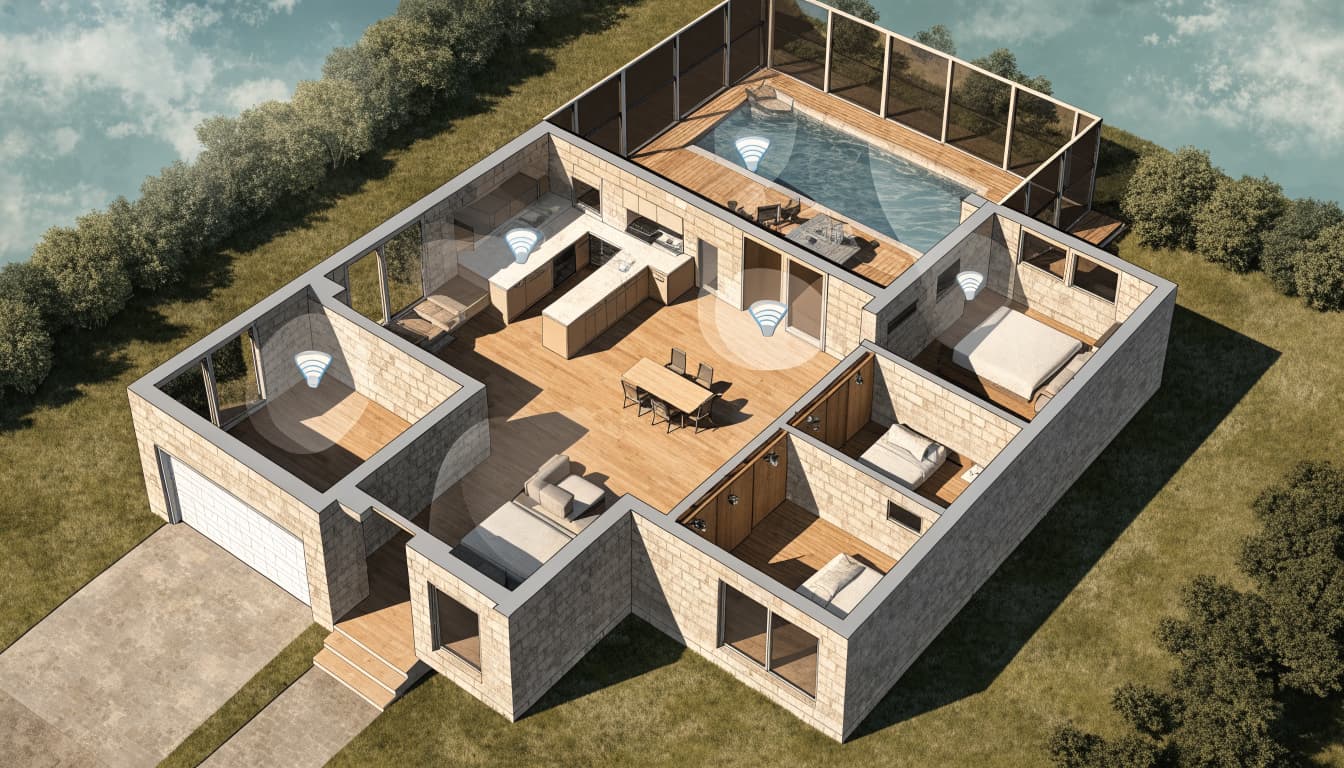
Start with the great room, bedrooms, home office, and any room used for streaming or calls. Then mark cameras, smart-home equipment, and other devices that depend on a wireless connection. A printer tucked into a back office may need more attention than an open hallway.
Place proposed access points near the areas they're meant to serve, rather than choosing spots solely because cable is easy to run. An open ceiling location can be a useful starting point, but it isn't a promise of coverage through every adjoining wall.
Let the finished layout guide the final locations
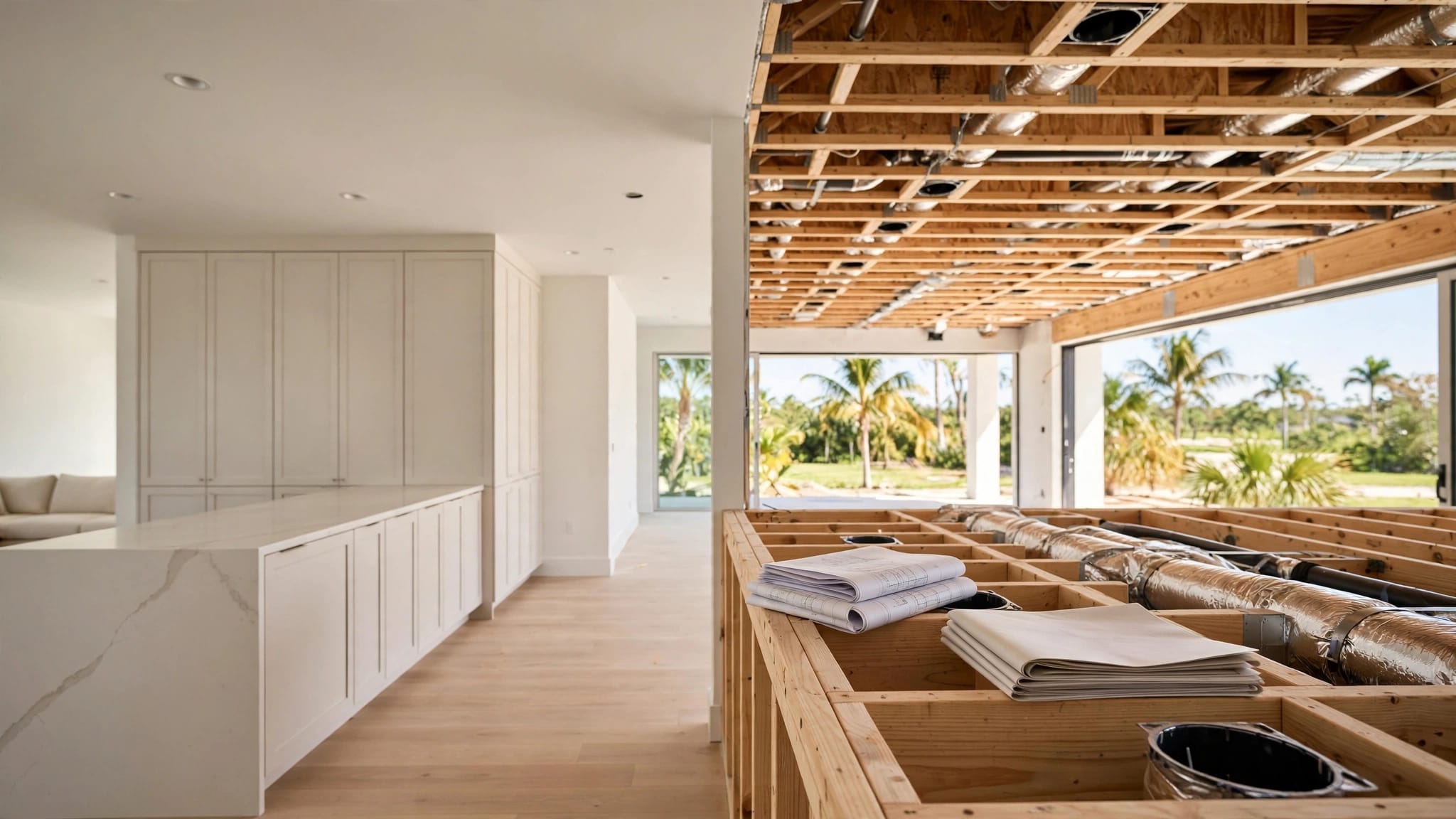
Review the reflected ceiling plan before approving a mount. Recessed lights, fans, decorative beams, and air-conditioning vents can all compete for the same ceiling space. Ask the builder and network installer to agree on positions that remain accessible and look intentional.
There's no reliable access-point count based on square footage alone. Room shape, wall construction, and the equipment selected all affect the result. A network professional can turn the floor plan into an initial layout, then verify it in the finished home. If you're still shaping the plans, discuss connectivity alongside the other decisions involved in building a custom home in Southwest Florida.
Extend coverage to the garage and pool lanai
For many Cape Coral households, the living area continues through the sliding doors. A garage may also hold a workshop or golf cart alongside connected equipment. Include these spaces in the coverage plan if you expect to use Wi-Fi there.
Treat the lanai as a separate use area
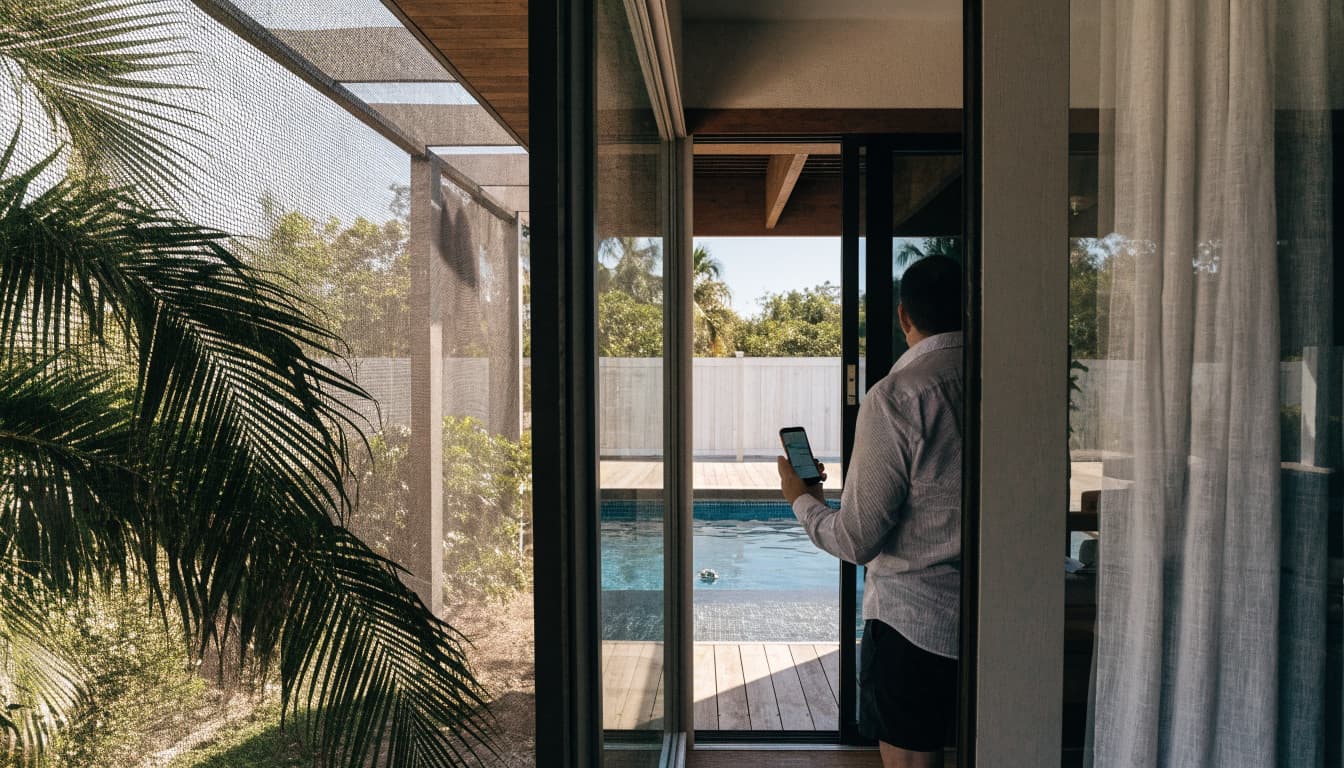
Mark the seating area, outdoor television, and any pool equipment that requires a network connection. A phone near open doors may work well while the same phone struggles when those doors are closed. Large openings and the materials around them make an indoor-only plan hard to predict.
If tests show that an indoor access point can't serve the lanai, discuss a dedicated location with the installer. Equipment exposed to weather needs to suit its exact mounting environment. Coordinate cable routes and mounting details with the builder rather than adding an unplanned exterior penetration later.
Check the garage's real job
A garage used mainly for parking may have modest needs. A workshop, connected garage-door equipment, or cameras can make reliable coverage more important. Put those uses on the plan before wiring starts.
Don't assume a great-room access point will cover a garage behind several walls. At the same time, avoid ordering a separate device before testing. A cable run or approved pathway to a proposed garage location gives you an option if the finished layout calls for one.
Keep access points clear of obstructions and interference
Good placement gives a wireless signal a reasonable path to the devices using it. Tucking equipment out of sight can work against that goal, especially when the hiding place is a cabinet full of electronics.
Watch the materials between rooms
Concrete block walls, metal framing or fixtures, and some window assemblies can reduce or redirect wireless signal. Their effect depends on the home's construction and the path between the access point and your device. Even interior layouts that appear open on paper can behave differently once finishes and furnishings are in place.
Avoid placing an access point inside a closed cabinet or behind a large appliance. Check manufacturer guidance before selecting a mount, since devices differ in how they're designed to broadcast and how they should be installed.
Separate Wi-Fi planning from equipment storage
The router, switch, and internet-provider equipment need a practical home with power, ventilation, and service access. That doesn't make the equipment location the right spot for every wireless radio. Use network cabling to put access points where coverage is needed.
Nearby wireless networks and household devices can also affect performance. After installation, an installer can review channel settings and connected devices if service is inconsistent. Moving or reconfiguring an access point may help, but first identify whether the trouble is wireless coverage or the internet connection itself.
Use wired backhaul for a steadier network
Wired backhaul means each access point connects to the network through Ethernet cable instead of relying on another access point for its connection. For a new custom home, it's a practical starting point: cable can be routed while framing and ceilings are accessible.
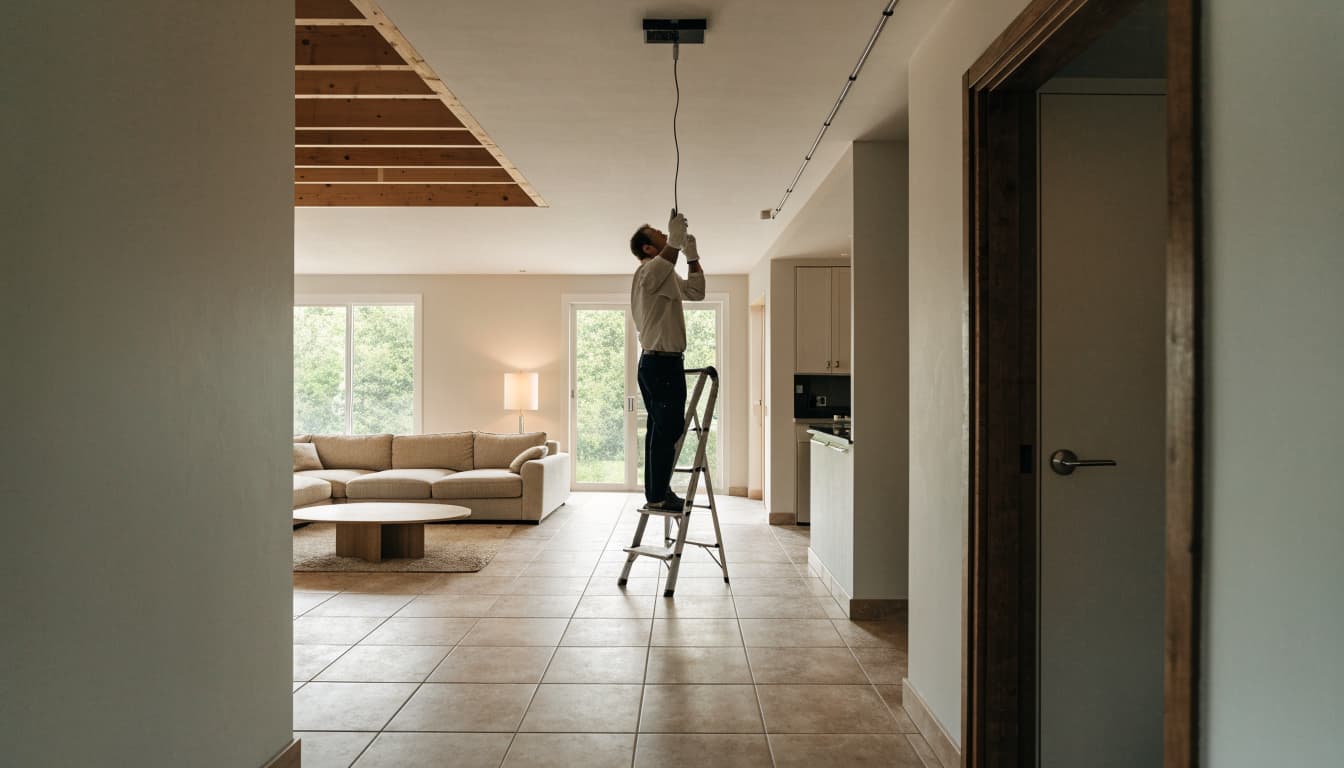
Run cable to planned and possible locations
Ask the low-voltage installer to identify the network cabinet and proposed access-point positions on the plans. Ethernet runs can then return to the network equipment without depending on a wireless hop between rooms. Category 6 cable is a common option, though the installer should match the cabling and termination to the selected system.
A possible future access-point location doesn't always need equipment on move-in day. A documented cable run or usable pathway can preserve that choice. Have the installer label and test the runs, then keep the as-built locations with your home records.
Match power and equipment to the design
Many access points can receive power through Ethernet using Power over Ethernet (PoE). Before purchase, confirm that the switch or power injector supports the specific access points chosen. The power needs of one model shouldn't be assumed for another.
Plan enough room and suitable power for the modem, router, switch, and any battery backup you choose. If backup power is part of the plan, confirm which devices it will support. A powered access point alone won't maintain internet service if the upstream equipment or provider connection is down.
Coordinate the prewire before drywall
Network decisions fit naturally into the same construction conversations as electrical outlets, lighting, cameras, and outdoor features. Once insulation and drywall are installed, moving a cable can mean opening finished surfaces.
Set locations during rough-in
Give the builder and low-voltage installer a marked floor plan showing proposed access points, the equipment location, and likely future needs. Then compare it with lighting, HVAC, and ceiling details. This prevents an access point from landing where a fan or vent is already planned.
Electrical rough-in also happens before insulation and drywall, but it's a separate scope from low-voltage work. That distinction matters when reviewing allowances and bids. A look at electrical rough-in costs for new construction can help frame the construction phase without mistaking electrical wiring for network prewire.
Budget for wiring and equipment separately
A 2026 regional estimate places whole-home low-voltage prewire at about $2 to $6 per square foot, or roughly $3,000 to $15,000 before equipment. That scope can include wiring for cameras, audio, shades, and other systems, so it is not a price for Wi-Fi access points alone .
Ask for a proposal that separates cable runs, termination, testing, access points, network equipment, and installation. The final cost depends on the home and system you choose. For broader context, review low-voltage prewire costs for Southwest Florida new homes before locking in selections.
Test coverage after installation, not just on the plans
A drawing identifies likely access-point positions. Testing confirms whether they work for your household. Ideally, check coverage when the home is close to its normal furnished state, with doors closed as they would be day to day.
Walk the places you use most
Use the devices you expect to rely on: a work laptop in the office, a phone in the primary bedroom, and a streaming device near the television. Check the garage and lanai too. Look for dropped calls, slow page loads, and devices that cling to a distant access point as you move through the home.
A strong signal icon doesn't prove the whole connection is working. Compare performance near an access point with performance in the problem area before changing the layout.
Fix the cause before adding equipment
If one room performs poorly, ask the installer to check which access point the device joined and whether its wired connection works. The issue may call for a setting change, a different position, or another access point. If every room slows down at once, investigate the router or internet service before adding Wi-Fi hardware.
Keep a record of the final positions and settings. That makes future changes easier, whether you add an outdoor television or turn a spare bedroom into an office.
Key Takeaways
- Plan Wi-Fi access point placement from the finished floor plan and the spaces where you'll use connected devices.
- Give the garage and pool lanai their own attention instead of assuming indoor coverage will reach them.
- Favor Ethernet backhaul in a new build, and coordinate cable routes before drywall.
- Keep access points clear of avoidable obstructions, then test the installed system with real devices.
Frequently Asked Questions
How many access points does a Cape Coral custom home need?
There's no dependable number based only on floor area. Wall materials, room layout, equipment, and outdoor coverage needs all matter. Have a network installer propose locations from your plans and confirm the count through testing after installation.
Should an access point go in the middle of the house?
A central location can be a useful starting point for an open interior. It may leave distant bedrooms, a garage, or a lanai underserved. Put the device where it can serve its intended area, while following the manufacturer's mounting guidance.
Can a mesh system replace Ethernet wiring?
Wireless mesh can help where running cable isn't practical. In a new build, Ethernet gives you the option of wired backhaul without relying on a wireless connection between nodes. Ask the installer how the selected equipment will connect before deciding how many cable runs to include.
When should I decide on access point locations?
Choose preliminary locations while reviewing the floor and ceiling plans. Confirm cable routes before rough-in, then revisit the positions after installation and coverage testing. Early planning leaves more room to adjust without disturbing finished walls.
Conclusion
That dropped call in the bedroom is easier to prevent while the home is still on paper. Plan for the rooms you'll use , wire the likely access-point locations, and leave room for the garage and lanai.
The floor plan is the starting point; testing in the finished home is the final check.